
Forever Ago Woolson Falls Walkthrough: Step-by-Step Photo Guide
Forever Ago Woolson Falls walkthrough: every photo prompt from the bedroom tutorial to the trail with Audrey, with trophy tie-ins and practical tips.
FAQ
How long is the Woolson Falls section in Forever Ago?
What do I photograph in Alfred's bedroom?
How do I finish the Woolson Falls section?
Does Woolson Falls have dialogue choices?
Where do I go after Woolson Falls?
Spoiler warning: this page walks through the complete Woolson Falls opening section, including the trail sequence with Audrey and the time skip that closes it. If you want the story to land cold, play the section first and come back.
The steps below expand the Woolson Falls part of the complete main-story walkthrough from Into Indie Games, accessed 2026-10-10. “Woolson Falls” is that walkthrough’s name for the game’s first route stop; it is a third-party route label, not an official in-game chapter title. The official Steam description independently confirms the road-trip setting, the instant camera, and the environmental interactions the section is built on.

Official Steam launch trailer frame, illustrative only; this image is not a screenshot of the Woolson Falls stop.
What Woolson Falls is, and where it sits on the route
Woolson Falls is the opening stop of Alfred’s road trip and doubles as the game’s camera tutorial. The section teaches the loop you will repeat at every later stop: a scene invites a photograph, you frame and take it, and the picture later ends up developed and filed in the journal’s album. The nine-section story walkthrough uses this stop as its first heading, and the route continues to Karl’s Pump ‘N’ Mart once this section closes.
There is no combat, timer, or fail state here. The launch walkthrough lists no dialogue choices for Woolson Falls either — progress comes from photographs and interactions, in a strictly linear order. That makes it a low-pressure place to build the habits the rest of the trip depends on.
Woolson Falls walkthrough, step by step
Step 1: Learn the camera in the bedroom
The section starts in Alfred’s room. Learn the controls, then take the tutorial’s first picture of the manual itself. Turn around and photograph the teddy on the bed. Move right along the wall beside the study table and capture the pictures hanging there, then take a snapshot of the calendar in the same area.
Before leaving the room, sweep it for anything else that raises a camera prompt. The walkthrough treats these as the “curious objects” of the opening room, and photographing every one of them is the published Snooping Shutterbug condition tracked in the platinum route. If a prompt does not appear, reposition Alfred and face the object squarely.
Step 2: Photograph Alfred at the window
Alfred calls out from outside the window. Aim the camera out toward him, wait for him to strike a pose, and take the photograph to advance.
Step 3: The drive and the first Falls sign
The road trip begins in the vehicle. Take any random photo along the way to practice the shutter, and keep the conversation with Alfred going as the scenery rolls past. When he points out the Woolson Falls signboard, be ready: that sign is your next prompted subject.
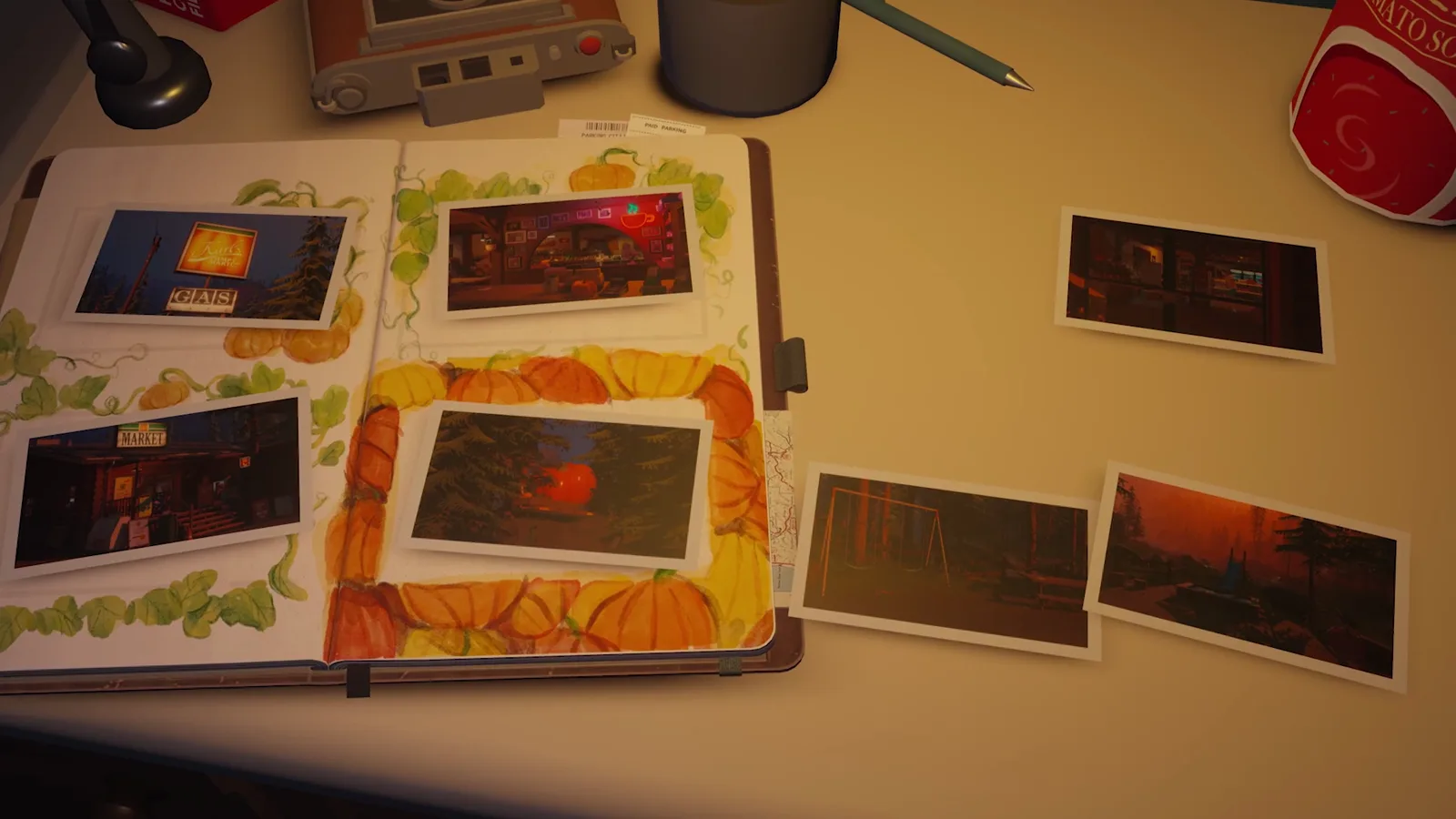
Official Steam launch trailer frame, illustrative only; it evokes the drive to the falls and is not a step screenshot.
Step 4: Flowers and poses at the falls
After the ride ends, crouch down to get close to the flowers and capture the close-up. Then look left and photograph Alfred posing again. In the next area, capture the second Woolson Falls signboard, keep talking as you walk, and once Audrey says thank you, take the prompted photograph of Alfred.
Step 5: The trail in third-person view
The walkthrough describes Audrey handing the camera to Alfred at this point, and control switches to a third-person view. Follow Audrey along the trail and keep the conversations going until they finish naturally. At the end of the trail, Alfred takes one final photograph together with Audrey before the scene time-skips.
This is the section’s biggest story beat, and it is also where the walkthrough’s description ends — the wider meaning of what happens between Alfred and Audrey is interpreted separately in the ending guide.
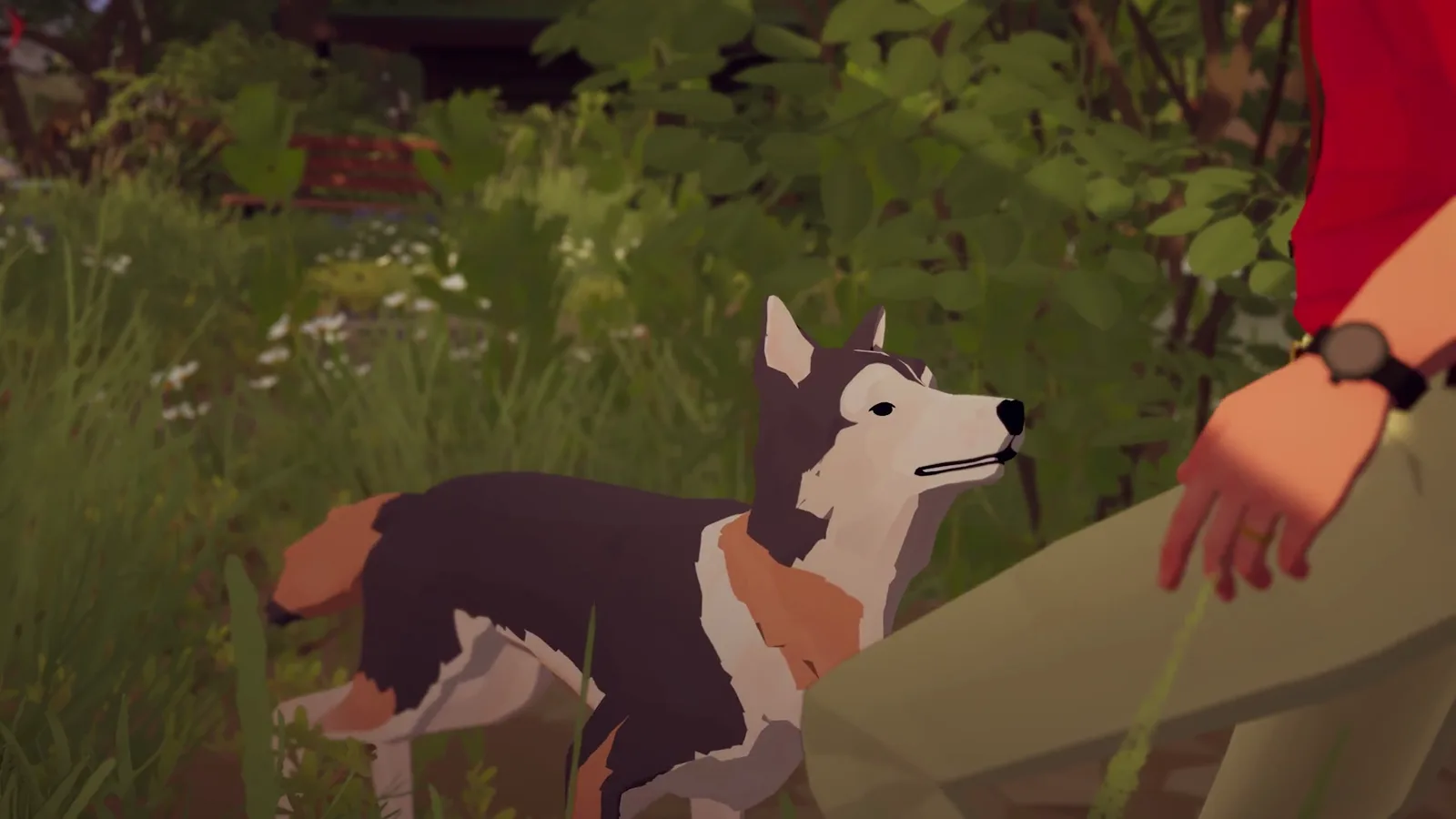
Official Steam launch trailer frame, illustrative only; it evokes the two travelers and is not a step screenshot.
Step 6: Develop the photo and file it in the journal
After the time skip, shake the developed picture to bring the image up, open the journal, and place the photograph inside. That closes the Woolson Falls section. The camera-to-journal loop you just practiced repeats at every later stop. The beginner guide’s camera and saving advice is worth a read before your first long session.
Trophies and achievements connected to Woolson Falls
The opening room and the falls stops feed several completion goals from the start:
- Snooping Shutterbug — the published Xbox wording is “Take a photo of every curious object in Alfred’s room”; the condition stays hidden on Steam. The bedroom sweep in step 1 is where the set lives.
- Glimpse Into The Past — “Find a vignette,” one of the conditions Steam exposes publicly. Keep collecting petals as you explore; the collectibles guide explains the petal-to-vignette loop without pretending to have a complete location map.
- Focus Finder and Picture Perfect — the cumulative 25-photo and 50-photo totals. The prompted signs, flowers, and poses along this section are the first steady source of shots, so take the optional ones too.
The full names and published conditions are transcribed in the achievement list, and the platinum trophy route groups them by story stop.
Tips for the opening section
- Photograph on every prompt, and beyond it. Photo totals are cumulative across the whole trip, so the optional shots you take here reduce the farming you need later.
- Fix prompts with positioning. If an interaction does not appear, move Alfred and face the object squarely before moving on.
- Do not hunt for choices. The launch walkthrough lists no dialogue decisions in this section — progress is photographic and interactive, so a “wrong answer” worry has nothing to attach to here.
- Mind the clock elsewhere. No source times individual sections; third-party reviews estimate the complete story at roughly four to five hours, which the playtime guide puts in context.
Sources and scope
The step order and interaction details above expand Into Indie Games’ complete main-story walkthrough, accessed 2026-10-10; “Woolson Falls” is that walkthrough’s route label, not an official chapter name. Game premise claims are cross-checked against the official Steam App API. Trophy names and conditions follow the official Steam achievement page and the Xbox list wording transcribed on this site’s achievement pages. The images are frames from the official Steam launch-trailer listing, used illustratively; none of them claims to show a specific step.
Related Articles
guides
Forever Ago Highway Star Diner Walkthrough (With Screenshots)
Step-by-step Highway Star Diner walkthrough for Forever Ago: Audrey's flower, the broken jukebox, the loyalty-only booth, and Maddy's dog task, with screenshots.
guides
Forever Ago Karl's Pump 'N' Mart Walkthrough (With Screenshots)
Step-by-step Karl's Pump 'N' Mart walkthrough for Forever Ago: the shopping list, Milton's pitches, the mosaic pumpkin, and the nightmare, with screenshots.
guides
Forever Ago The Sam Detour Walkthrough (With Screenshots)
Step-by-step Sam Detour walkthrough for Forever Ago: watering Sam's plants, the van gaskets and bolts, the stick throw, and the selfie, with screenshots.
Was this helpful?
Thanks for the feedback!